
Los Angeles · Orange County · SoCal
Your whole front desk.
Run your whole front desk in Soloona: booking, calendar, checkout, stock. Or keep the software you already use and let Soloona do the rest. Your call, not ours.


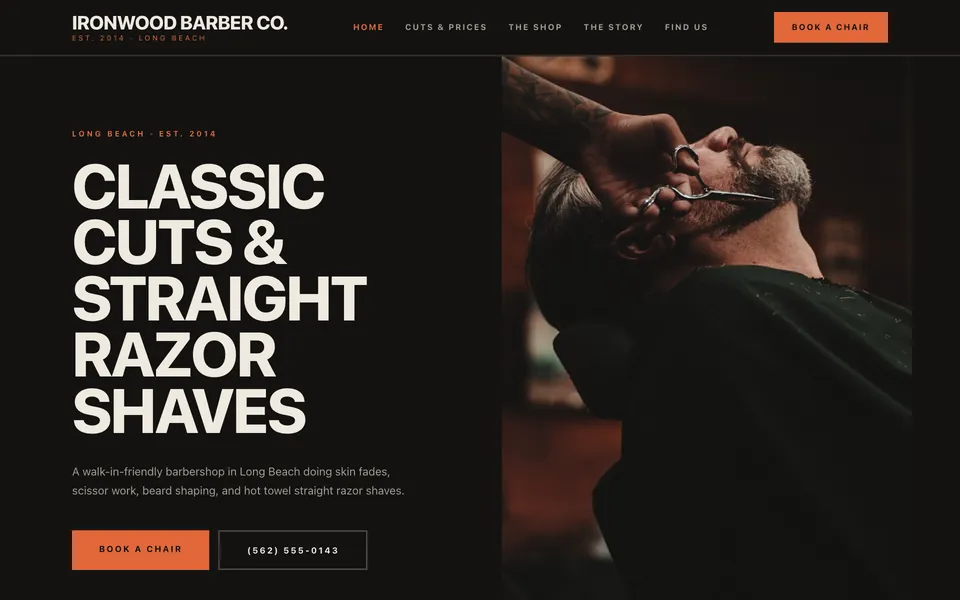
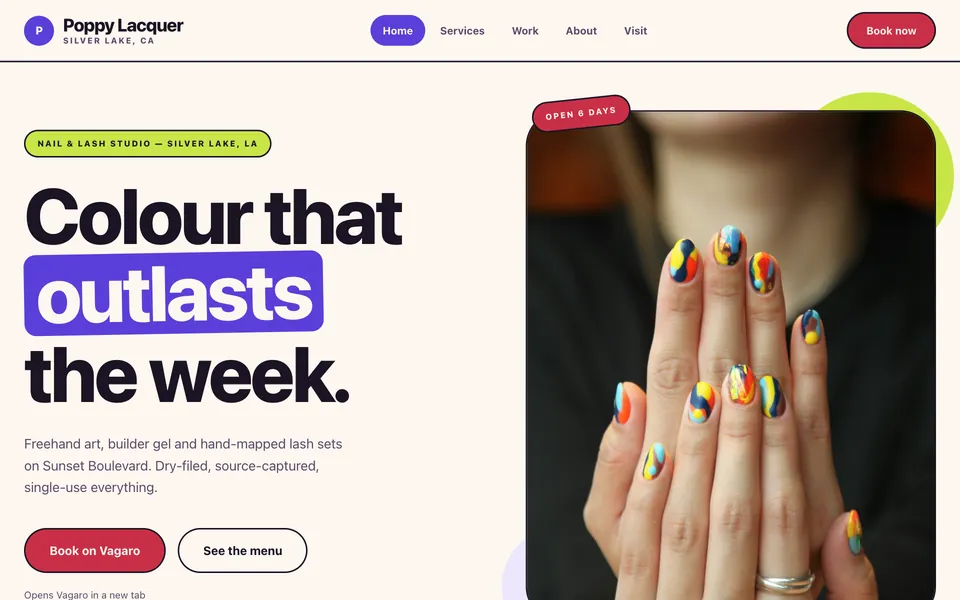
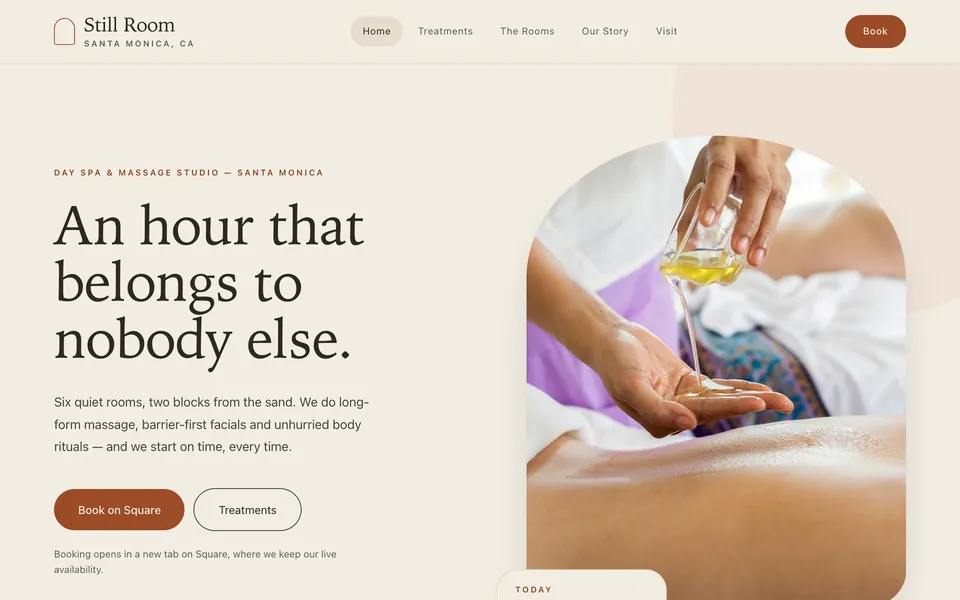
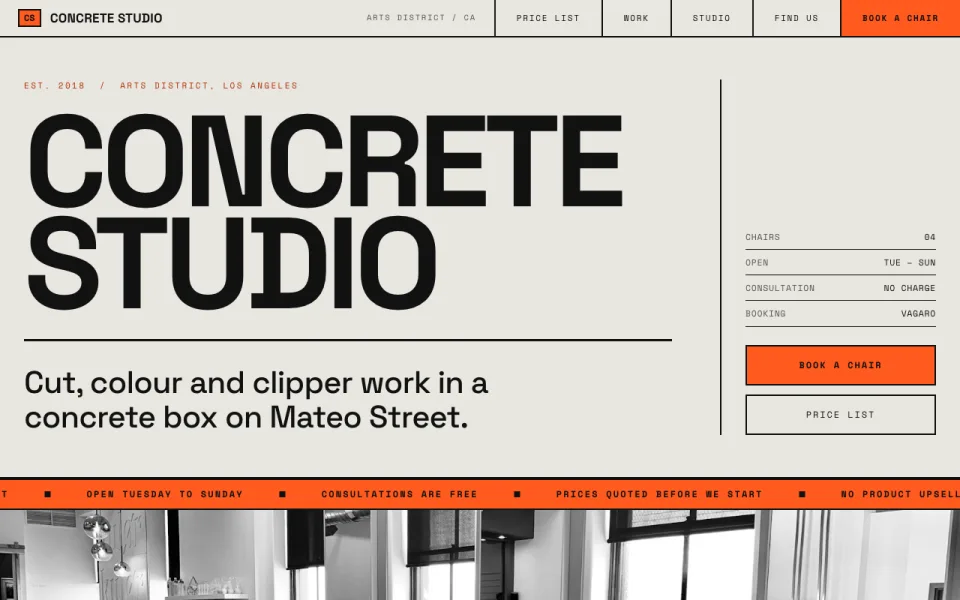
Switch everything over, or nothing at all. Both work.
Run the whole front desk in Soloona, or keep the software you already use and let Soloona win back the clients it ignores. Move the rest whenever you like.
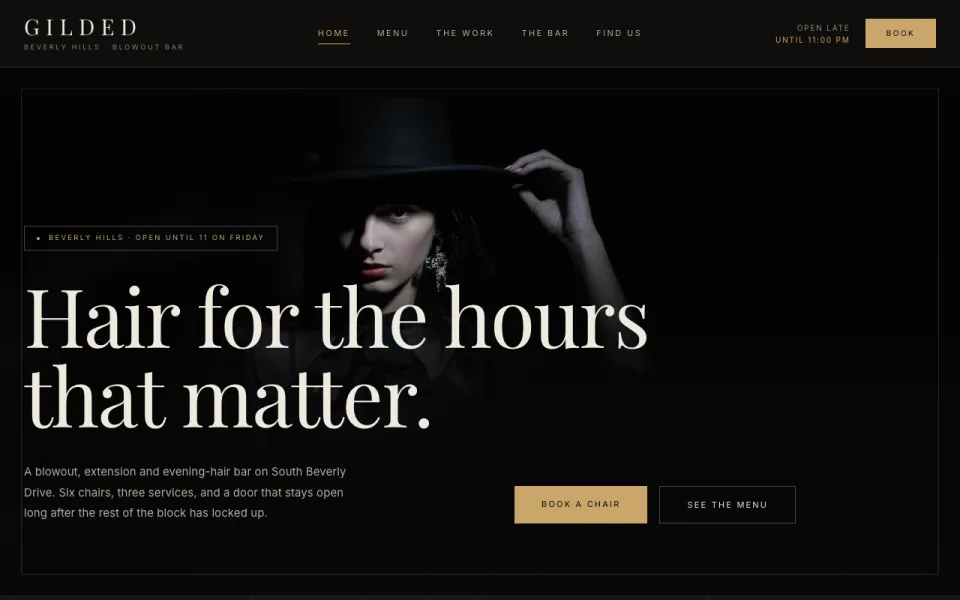
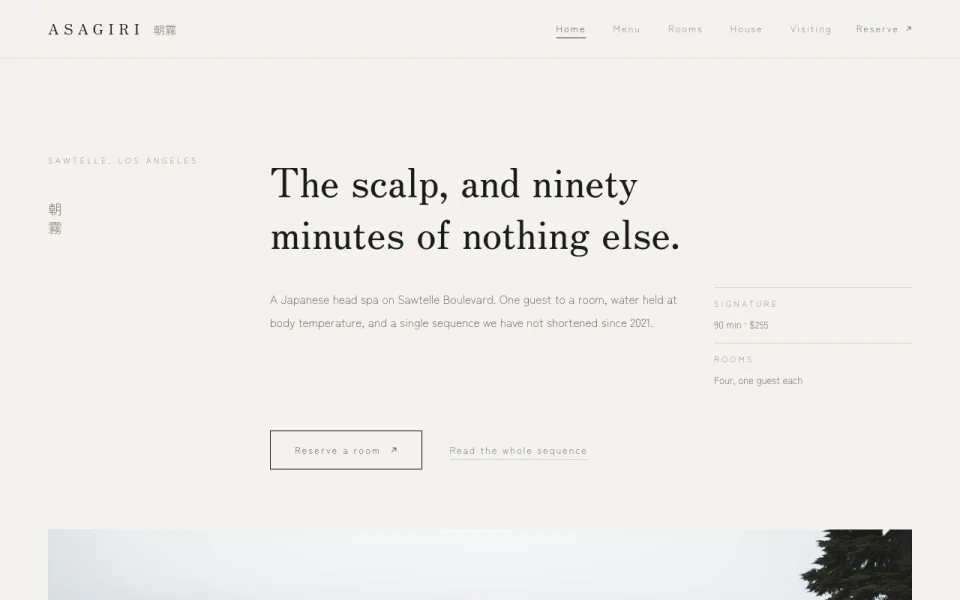
Sixteen salon websites, already live
All work →Everything the front desk touches
- Booking & Calendar A day view your front desk can actually run. [ Explore ]
- Point of Sale Ring up the service and the shampoo in one go. [ Explore ]
- Retail & Stock Know what sold and what is about to run out. [ Explore ]
- Soloona AIComing soon Ask your salon a question and get a real answer. [ Explore ]
- Review GenerationComing soon Turn finished appointments into Google reviews. [ Explore ]
- Win-Back CampaignsComing soon Reach the clients who quietly stopped coming in. [ Explore ]
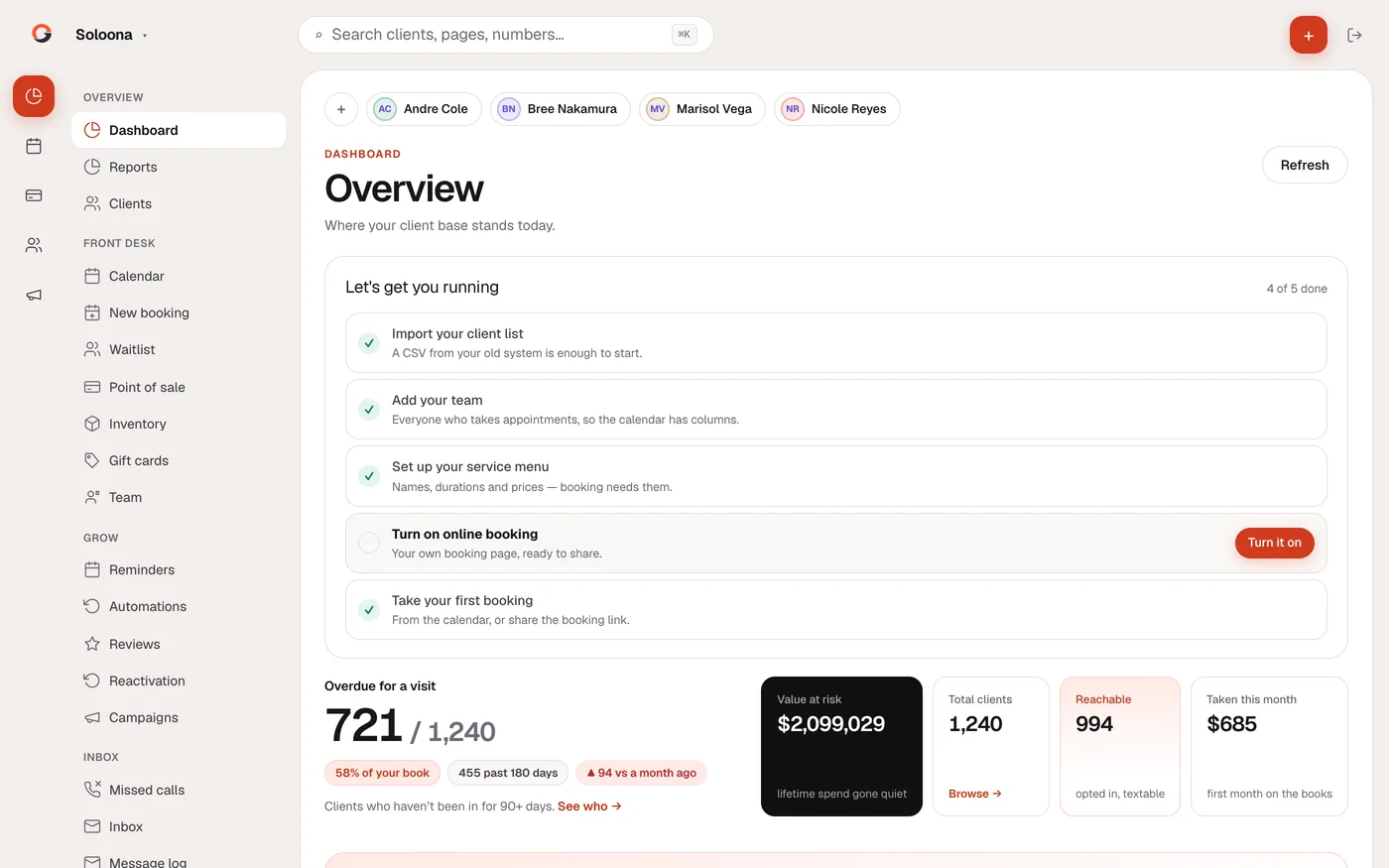
Not a mockup. The actual product.
Screenshots of Soloona running on a live demo salon. 1,240 clients, a full book, real numbers. Ask for a demo and you can click around it yourself.
-
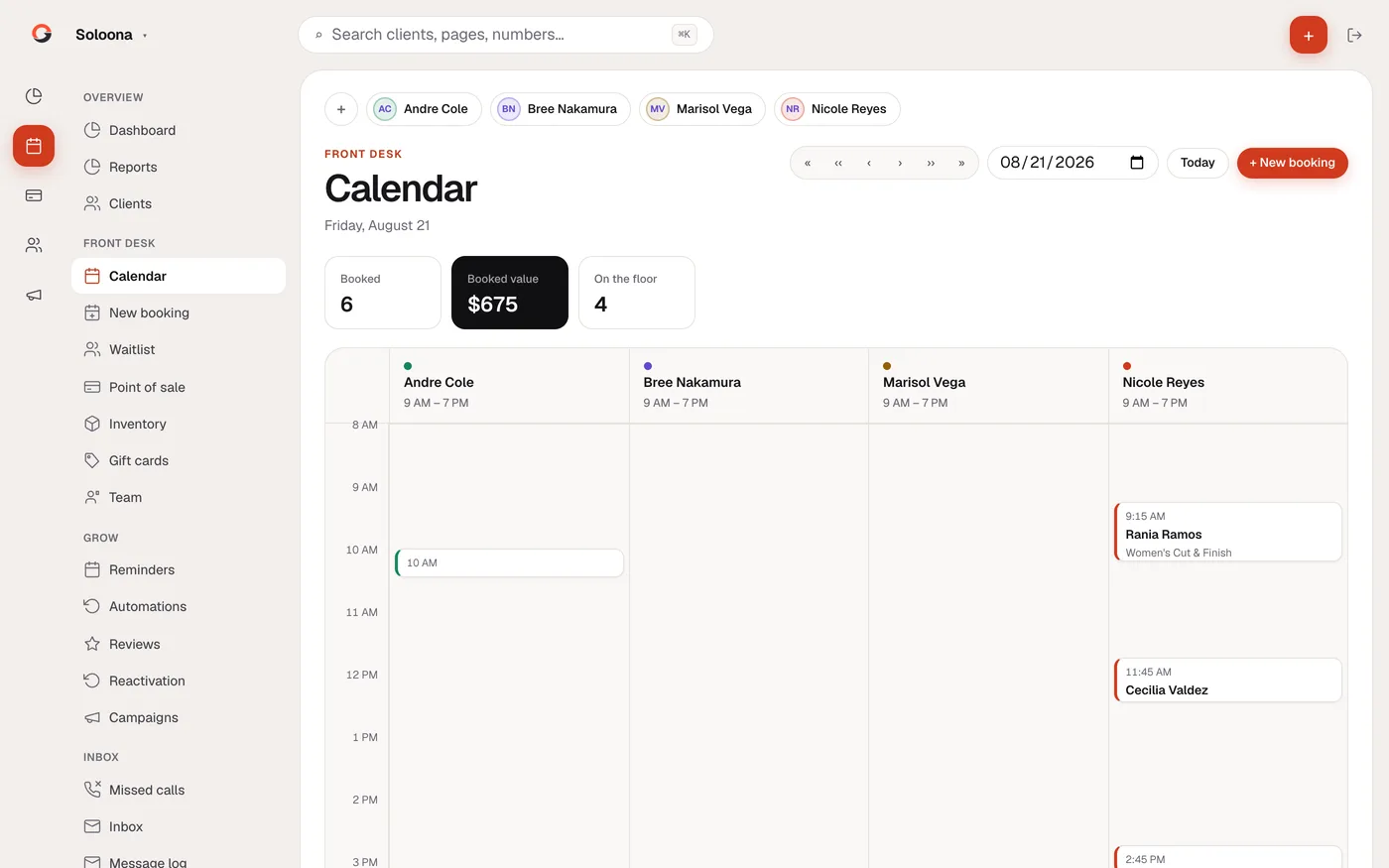
Calendar
Every stylist, every chair, one day view
-
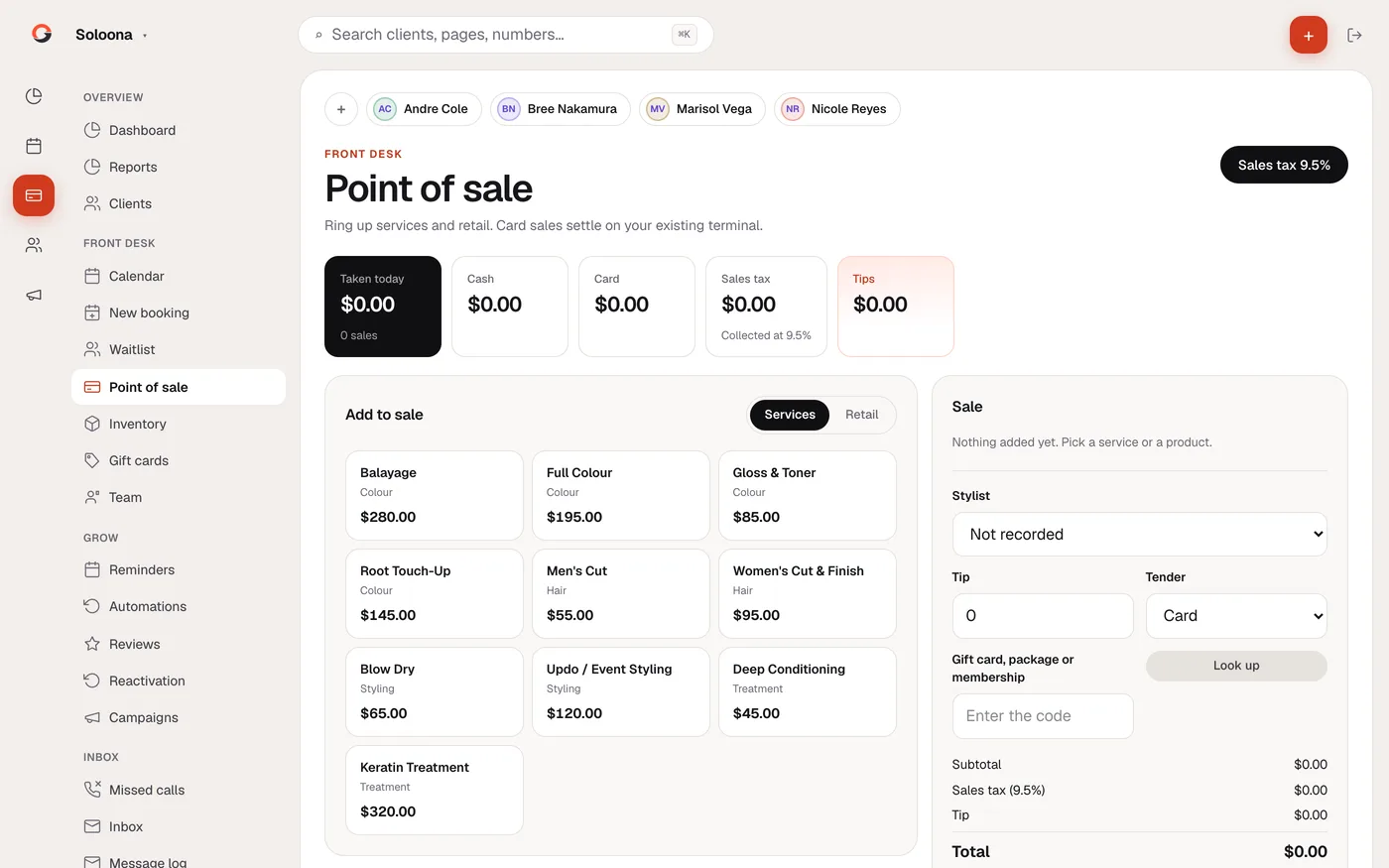
Point of sale
Service and retail on one ticket
Your front desk companion
Meet JunoComing soon
Ask it anything about your salon. It reads your live book, and it asks before it changes a thing.
What Juno can do
-
Knows your actual numbers
Who has gone quiet, what Thursday looks like, what you took yesterday.
-
Does the fiddly bits
Books a genuinely free slot, moves an appointment, adjusts stock.
-
Asks before it acts
Every change waits for you to approve it. Nothing saves until you say yes.
-
Cannot message a client
It drafts and counts. A person has to press send. That is the law.
Do the maths
What's sitting in your lapsed list?
Put your own numbers in. Every assumption is a slider.
The recovery rate defaults to 15%. Anyone promising half your lapsed book back is selling something.
Simple pricing
Full pricing →-
Solo
Solo stylists and single-chair studios
$79
per month
- Unlimited staff on the calendar
- Online booking, calendar, POS and stock
- Reviews, win-back and Juno (coming soon)
- Two-way text inbox and reminders (coming soon)
- Basic reports
-
Most chosen
Salon
Established salons with a full book
$149
per month
- Everything in Solo
- Appointment reminders and confirmations (coming soon)
- Waitlist for cancellations
- Client notes, colour formulas and photos
- Full owner reports
-
Suite
Bigger teams and busier books
$249
per month
- Everything in Salon
- Priority support
- Onboarding and client-list import done for you
- Report export in CSV, PDF and Word
Founding salons: 50% off for the first ten in LA, locked for a year.
Questions worth asking
-
Do I have to move off my booking software?
Not on day one. Import your client list, run your book from the calendar and client records, and move the till whenever you like.
-
How does my client list get in?
Export a spreadsheet from your current software and import it. You review every row before anything saves, and nobody is messaged.
-
Will you text my clients without permission?
No. Every client starts with no permission on file and stays that way until there is a real opt-in.
-
Can you filter out unhappy clients so only good reviews get posted?
No, and be careful with anyone who offers to. Screening who gets asked breaks Google's rules and risks your listing.
-
How long until it's running?
Same day. Import your client list and start. There is no setup call to wait for.
Tell us what you need.
Fifteen minutes on a call. Bring your client list and we will show you who has quietly stopped coming in, and what getting them back is worth.